Preparing production-ready files for jacquard looms
Color indexing, knot mapping and exact dimensions: what your mill needs from a design file, and how to get it right first time.
A beautiful design that cannot be woven is a mood board, not a product. The bridge between the two is the production file.
Color indexing
Looms and carpet CAD systems work with a fixed set of yarn colors. Production files therefore use an indexed palette in which every pixel maps to exactly one color, with no anti-aliasing, gradients or stray in-between tones.
- Limit the palette to the number of yarn colors available
- Map each index to a yarn or dye reference
- Check small motifs for isolated single-pixel colors
Pixels, knots and gauge
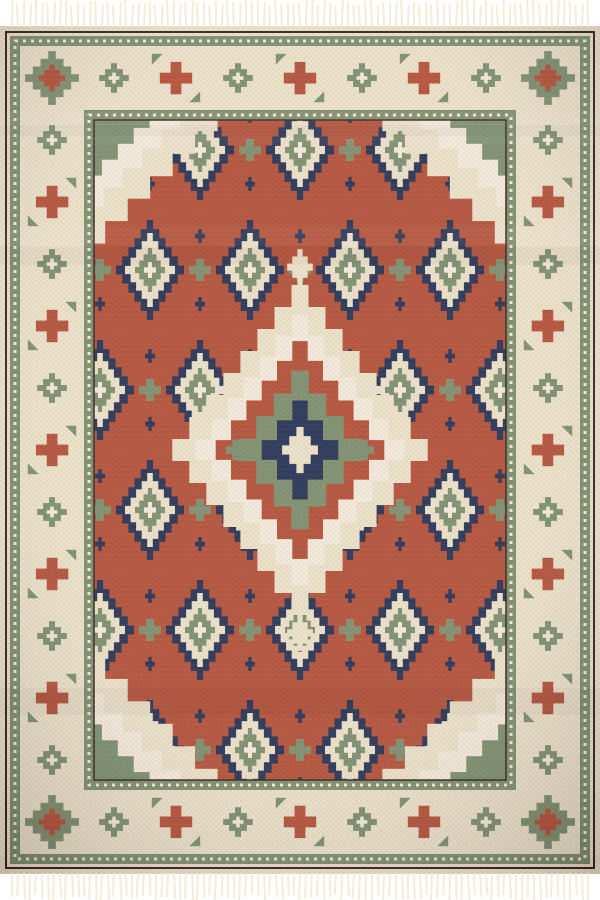
For pile carpets, one pixel typically represents one knot or tuft. The image dimensions must therefore match the rug size multiplied by the knot density or loom gauge, in both warp and weft directions, which are not always equal.
Repeats and seams
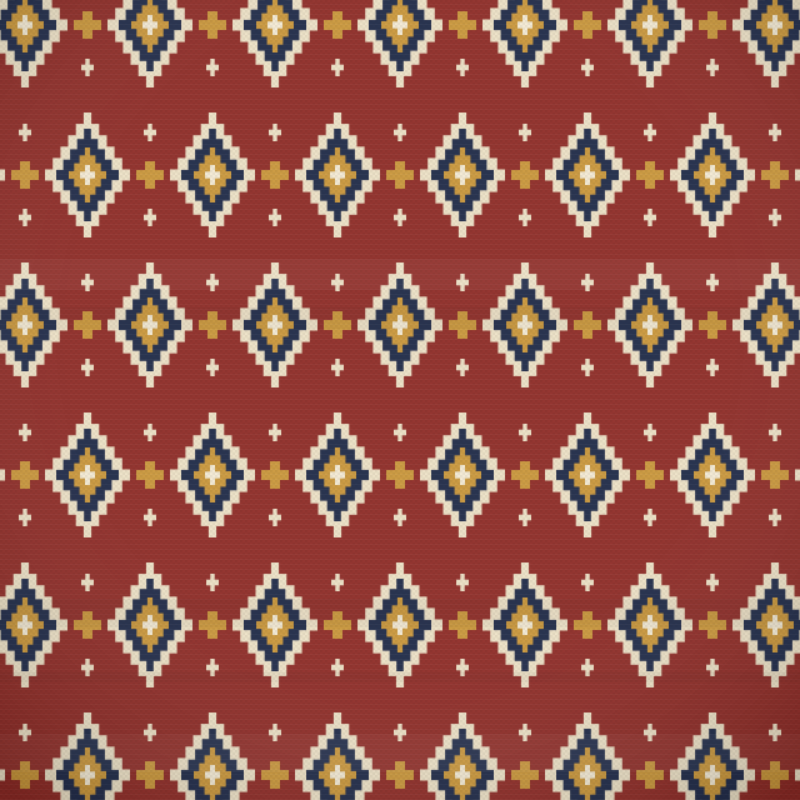
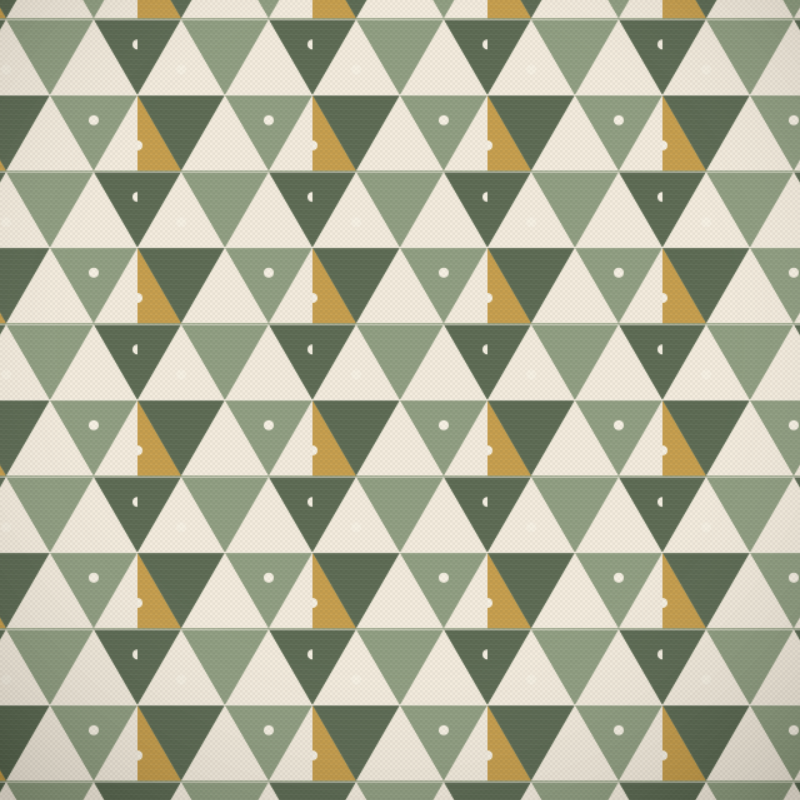
For wall-to-wall carpet, test the repeat by tiling it at least three by three before export. Look for seams, accidental stripes and motifs that collide at the repeat edge.
A pre-flight checklist
- Exact finished dimensions confirmed with the mill
- Knot density or gauge applied in both directions
- Indexed palette within the maximum color count
- Border corners resolved and symmetrical
- File naming and version agreed with production